
Tesla Powerwall 3: How It Works, Key Specs and Who It Suits
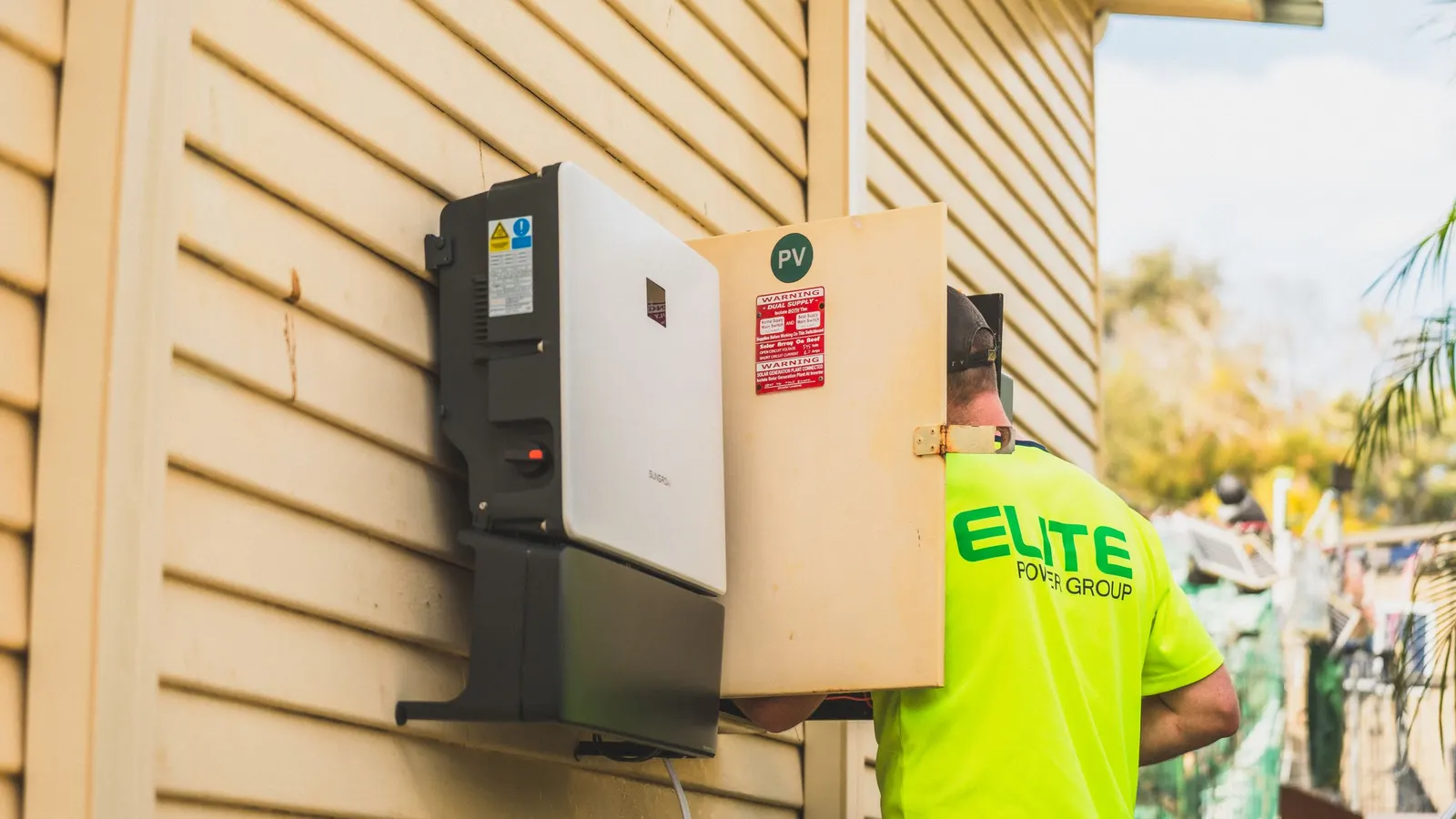
Tesla Powerwall 3 is one of the most searched home batteries in the United States, and for good reason. It combines a battery and a solar inverter in a single wall-mounted unit, which simplifies new solar-plus-storage installations. This guide explains how Tesla Powerwall 3 works, what Tesla’s datasheet says, how backup and expansion work, and the questions to ask before you buy. We are not affiliated with Tesla, and we have not tested the unit, so we stick to published specifications and general battery principles.
Last reviewed and updated: October 1, 2026. Written by Jeremy Jarvis.
Key takeaways
- Tesla Powerwall 3 combines a home battery and a solar inverter in one wall-mounted unit.
- Tesla’s datasheet lists 13.5 kWh of energy and up to 11.5 kW of continuous power per unit, with expansion options.
- Backup can cover the whole home or selected circuits, depending on the gateway or backup switch design and your loads.
- Get several quotes from certified installers, and confirm incentives, permits and utility rules before you sign.
If you are comparing batteries in general, start with our home battery backup guide. Then come back here to see how one popular Tesla Powerwall model fits that framework.
What Tesla Powerwall 3 is
Powerwall 3 is an AC-coupled home battery with an integrated solar inverter. In plain terms, it stores energy, converts it to household AC power and can take power directly from solar panels. Earlier Powerwall models usually needed a separate solar inverter. By including one, Powerwall 3 can reduce the equipment on your wall for new solar installations.
For backup, Powerwall 3 works with Tesla’s gateway or backup switch equipment. When the grid fails, that equipment isolates your home and lets the battery, and solar if present, keep your circuits running. When the grid returns, it reconnects and recharging resumes.
Key specifications Tesla publishes
Tesla’s US datasheet, as of October 2026, lists these headline figures for one Powerwall 3. Treat them as a summary, and check the current datasheet before you buy, because manufacturers revise specifications.
| Item | What Tesla’s datasheet lists |
|---|---|
| Energy capacity | 13.5 kWh AC per unit |
| Continuous power | Up to 11.5 kW AC, with lower output configurations available |
| Solar input | Integrated inverter with multiple MPPT inputs and up to 20 kW DC of solar |
| Motor starting | Rated to start heavy loads, stated as a locked rotor amp figure |
| Scaling | Multiple units in parallel, plus expansion units for more energy |
Two numbers matter most for backup. Energy capacity tells you how long you can run. Continuous power tells you how much you can run at once. Our Home Battery Backup Calculator uses those two ideas to estimate runtime from your own loads.
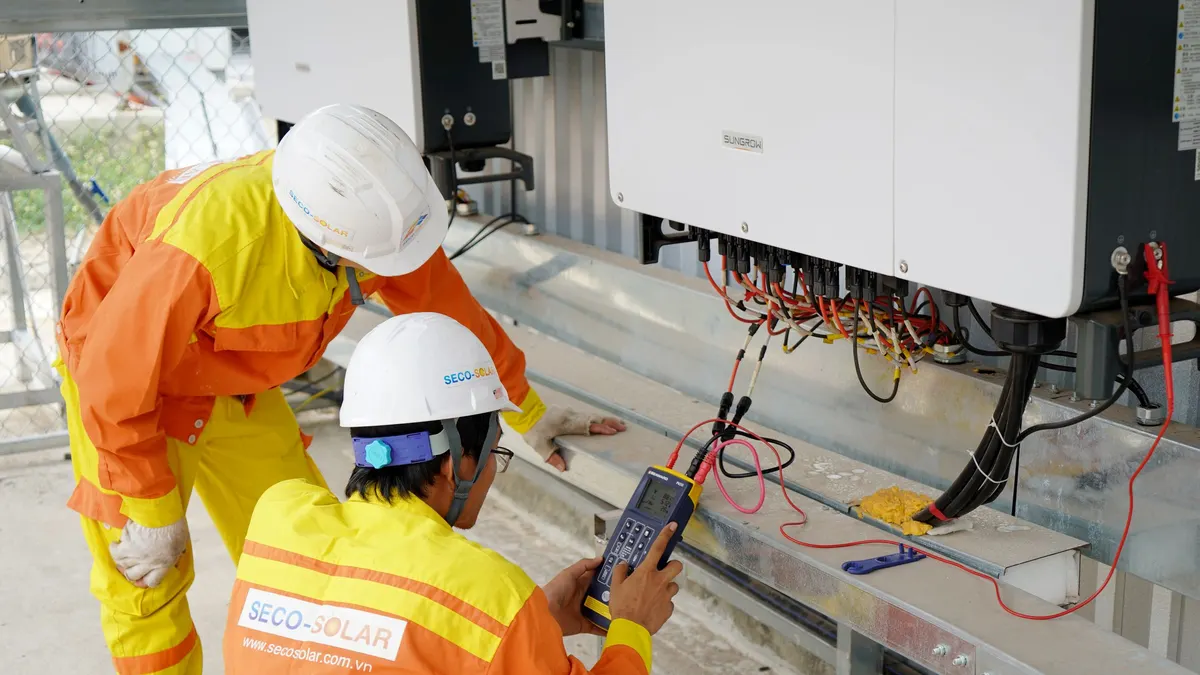
The integrated solar inverter
The built-in inverter is the biggest change from earlier models. Solar panels produce DC power, which must be converted to AC for your home. Traditionally, a separate string inverter or microinverters did that job, and the battery had its own inverter. With Powerwall 3, the battery’s inverter can also handle the solar side.
That has practical benefits. Fewer boxes can mean simpler installation and a cleaner wall. In addition, solar power can charge the battery more directly. However, if you already have solar with a working inverter, an installer must decide how Powerwall 3 fits with it. Ask how your existing system will be integrated, and whether any equipment will be replaced.
Backup: what Powerwall 3 can run
Backup coverage depends on configuration. Some installations back up the whole home through the gateway. Others back up a selected set of essential circuits. Whole-home backup sounds ideal, but it means anything in the house can turn on during an outage, including central air, ranges and dryers. Those loads can drain the battery fast or exceed its output.
Tesla rates Powerwall 3 to start many heavy loads, which helps with appliances like air conditioners and well pumps. Even so, whether your specific equipment will start and run depends on its starting current and how many loads run together. Ask the installer for a load review and a clear list of what will run during an outage.
Runtime: a worked example
Runtime is energy divided by load. Suppose you have one unit and your essentials average about 1,000 watts during an outage. Allowing for reserve and conversion losses, you might expect roughly half a day of runtime from a single battery. Trim the average load to about 500 watts, and runtime can stretch past a day. Add sunny days with solar recharging, and you may keep essentials running much longer.
Your numbers will differ, so measure or estimate your real average load. A whole home energy monitor makes this easy. Our home energy monitor guide explains the options.
Expansion and multiple units
Tesla’s datasheet describes two ways to scale. You can add more Powerwall 3 units in parallel, which adds both energy and power. Alternatively, you can add expansion units, which add energy without adding another inverter. As a result, you can tune a system for longer runtime, more output or both.
Plan for growth at the start if you can. Adding units later is possible, but placement, wiring and permits are easier to handle once. If you expect an EV, a heat pump or a larger home addition, mention it to the installer.
Powerwall 3 with solar
With solar, Powerwall 3 can store daytime production for evening use and keep recharging during outages. That matters because standard grid-tied solar shuts off when the grid fails. With a battery and gateway, solar can keep working in an outage, so a sunny day can refill the battery for the next night. Our solar battery guide explains how that works in detail.
The financial value of pairing depends on your utility. Where exported solar earns a low credit or evening power costs more, storing solar for later use can help. By contrast, where net metering credits exports at full retail value, the bill savings from storage are smaller. Read our net metering guide to understand your rate.

Powerwall 3 without solar
You do not need solar to use a Powerwall 3 for backup. It can charge from the grid and hold energy for outages. In that case, its value is mainly resilience: quiet, automatic backup without fuel. Some utilities also offer time-of-use rates or programs that pay batteries to support the grid, which can add value without solar. Check what your utility offers.
How many Powerwalls do you need?
Start with your goals. If you want essentials for a typical outage of a few hours, one unit may be enough. If you want to ride out multi-day outages, cover a large home or run heavy loads like central air, you may need more energy, more power or both. Additionally, solar changes the answer, because daily recharging reduces the stored energy you need.
Make a list of must-run loads and their watts, estimate your average load and decide how many hours you want to cover without recharging. Then compare that with the installer’s design. If the numbers do not match, ask why.
Installation
Powerwall 3 is installed by Tesla or certified installers. A typical project includes a site survey, load review, permits, mounting the battery, installing the gateway or backup switch, wiring, utility interconnection for solar, and inspection. Placement must follow the manufacturer’s clearances and local codes, often in a garage or on an exterior wall.
Ask about timelines too. Permits and utility approvals can take weeks. Also, ask who handles monitoring setup, warranty registration and future service. Clear answers now prevent surprises later.
Cost and incentives
Installed prices vary by region, configuration, number of units, whether solar is included and whether a panel upgrade is needed. Get several itemized quotes and compare the equipment, backup design and labor. Ask whether the quote includes the gateway, permits and any electrical upgrades.
Federal incentives changed after 2025. The IRS states that the residential clean energy credit, which covered battery storage, is not available for property placed in service after December 31, 2025. Some states and utilities still offer rebates or grid-service payments. Check DSIRE and your utility’s website before you budget.
Tesla Powerwall 3 vs. earlier Powerwall models
Earlier Powerwall models stored energy in a similar wall-mounted cabinet, but most solar installations still needed a separate solar inverter. In addition, earlier units offered lower continuous power per battery. Tesla Powerwall 3 changes both points: it includes the solar inverter and raises the continuous output a single unit can deliver.
For homeowners, the difference shows up in two ways. First, a new solar-plus-storage system can need less equipment. Second, a single Tesla Powerwall 3 can start and run more of a typical home’s essential loads than an older single unit. Even so, existing Powerwall owners do not need to replace working systems. If you already own an older Powerwall, ask an installer whether expansion makes sense before buying anything new.
Operating modes and everyday use
Most of the time, the grid is up, and the battery’s job depends on the mode you choose in the app. Tesla offers modes that prioritize backup only, using stored solar to power the home, or shifting energy based on time-of-use rates. Your utility rates decide which mode saves the most. In every mode, you can set a backup reserve, which keeps part of the battery for outages.
Before storm season, raise the reserve so more energy is waiting if the grid fails. Afterward, lower it if your rates reward daily cycling. Some systems can respond to severe weather alerts automatically, so check your settings. Watching the app also helps you learn your home’s real usage, which makes future sizing decisions easier.
Warranty and service questions
Battery warranties usually cover a number of years and promise a share of the original capacity at the end. Read Tesla Powerwall 3 warranty terms closely, including any limits based on energy throughput, installation requirements and climate. In addition, ask who provides service if something fails: Tesla, the installer or both.
Ask about monitoring and software updates too. Many issues are diagnosed remotely, but some require a visit. A clear service path matters more than any single specification when a unit needs attention during a storm season.
Who Powerwall 3 suits
Powerwall 3 tends to suit homeowners who want automatic, silent backup, especially those adding new solar at the same time. The integrated inverter is most valuable in new solar-plus-storage projects. It also suits households in areas with time-of-use rates, low export credits or utility battery programs.
On the other hand, it may be less suited to homes that mainly need long, heavy-load backup in places with frequent multi-day outages. In those cases, a generator or a combination of battery and generator may be more practical. Our generator buying guide covers that path.
Alternatives to consider
Several manufacturers make whole-home batteries with different capacities, outputs and expansion options. Large portable power stations with expansion batteries offer a non-installed alternative for essentials. Compare usable capacity, continuous and surge output, warranty terms and how each system handles solar during outages. Our Home Batteries hub links our guides on each option.
Tesla Powerwall 3 checklist
- Confirm current specifications on Tesla’s datasheet.
- List the loads you need during an outage and estimate your average load.
- Ask whether backup covers the whole home or selected circuits.
- Check how existing solar, if any, will be integrated.
- Plan the number of units or expansion units for your runtime goals.
- Confirm placement, permits, utility approval and timelines.
- Compare at least three itemized quotes.
- Look up state and utility incentives before signing.
Next steps
Estimate your runtime with the Home Battery Backup Calculator, then read our home battery backup guide for the broader picture. If you want a portable option instead, browse current expandable home backup power stations and confirm specifications on each manufacturer’s site.
Frequently asked questions about Tesla Powerwall 3
How much energy does a Tesla Powerwall 3 store?
Tesla’s datasheet lists the energy capacity of one Powerwall 3 in kilowatt-hours, and that figure is the starting point for any runtime estimate. Divide usable energy by your average load to estimate hours of backup, and confirm the current figure with Tesla or your installer.
Can a Powerwall 3 run my whole house?
It depends on your loads. One unit can back up many homes’ essentials, and larger homes or heavy loads such as central air may need more units or load management. An installer’s load review tells you what your configuration can cover.
Does Powerwall 3 need solar panels?
No. Powerwall 3 can charge from the grid and hold energy for outages. Solar adds the ability to recharge during long outages and can lower bills, and Powerwall 3 includes an inverter designed to connect solar panels.
How many Powerwalls do I need?
Start with the loads you want to back up and the hours you want to cover. Essentials for part of a day often fit one unit, while longer coverage or whole-home backup with large loads usually needs more energy and power.
Is there still a tax credit for a Powerwall?
The IRS states that the residential clean energy credit, which covered battery storage, is not available for property placed in service after the end of 2025. Some state and utility programs may still offer incentives, so check DSIRE and your utility.
Sources and how we researched this guide
This guide is research-based. We have not installed or tested a Powerwall 3. Specifications come from Tesla’s published Powerwall 3 datasheet as of October 2026; Tesla may update them, so confirm current figures with Tesla or a certified installer before you buy. We are not affiliated with Tesla. Found something out of date? Tell us and we will check it against the source.
- Tesla: Powerwall 3 datasheet (US)
- U.S. Department of Energy: Homeowner’s guide to going solar
- IRS: Residential clean energy credit
- DSIRE: Database of state incentives
- Ready.gov: Power outages
Keep planning
- Sump Pump Battery Backup: Options, Sizing and Installation Basics
- Best Portable Power Station for Home Backup: How to Choose the Right One
- Solar Battery: How Solar Storage Works and When It Is Worth It
- Home Battery Backup: How It Works, How to Size It and What It Costs
Go deeper: Home Batteries & Power Stations hub · Home Battery Backup Calculator · Home Power Station Selector
