Home Energy Monitor: How It Works, What It Shows and How to Choose
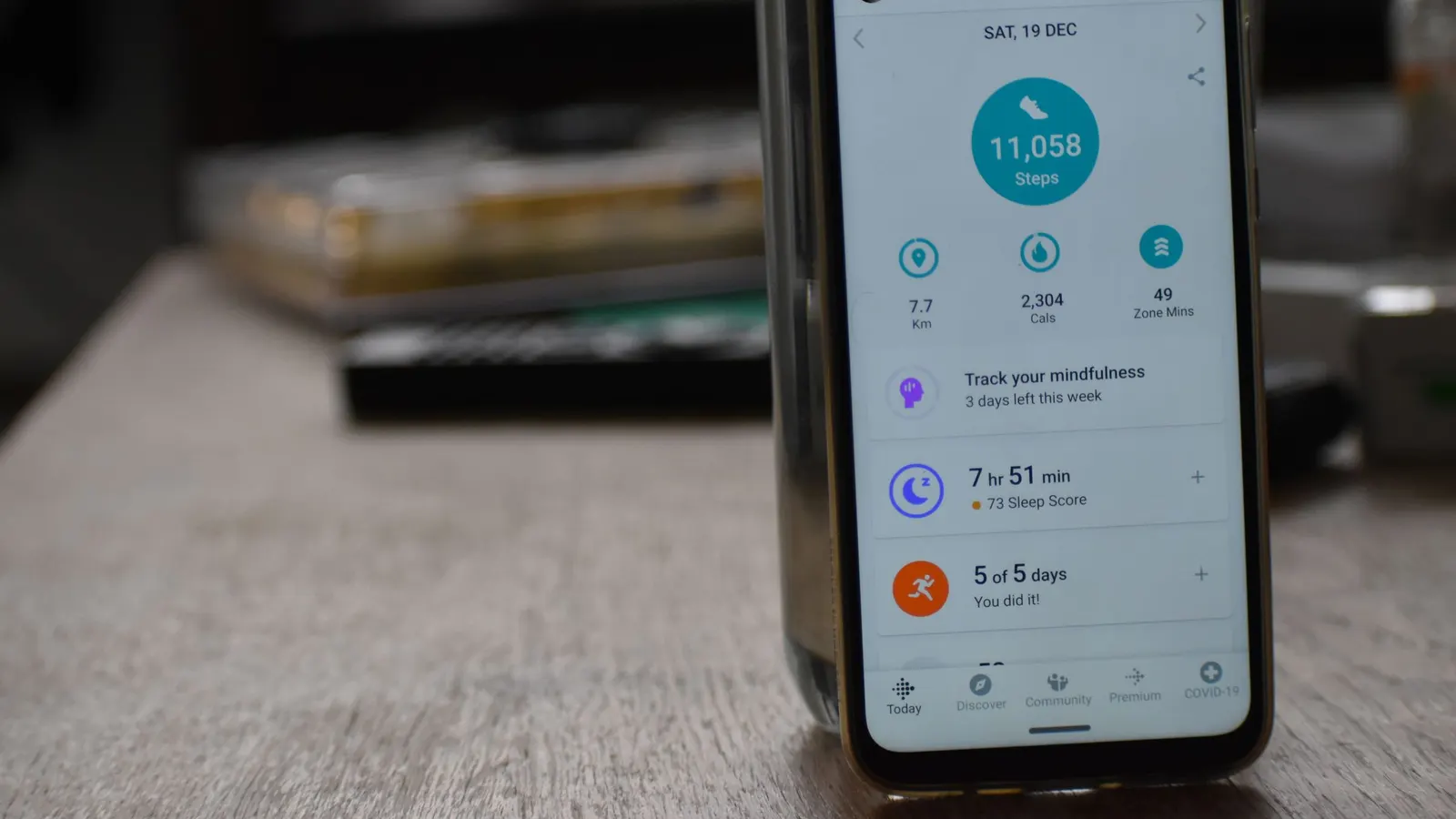
A home energy monitor shows how much electricity your home uses and, in many cases, where it goes. Instead of a single number on a monthly bill, you see usage by hour, by day and sometimes by circuit. That visibility helps you spot waste, compare appliances and confirm whether upgrades work. This guide explains how monitors work, the types available, what to look for in a whole house energy monitor and how to turn data into savings.
Last reviewed and updated: October 2, 2026. Written by Jeremy Jarvis.
Key takeaways
- A home energy monitor shows how much electricity your home uses, often in real time, so you can find and cut waste.
- Panel-mounted monitors use current sensors on the main feeds; some add circuit-level sensors for detailed tracking.
- Plug-in meters measure single appliances cheaply, and utility smart meter data may already show hourly use.
- Monitor data also reveals your real essential load, which helps size a generator or battery accurately.
Monitoring also helps with backup power. Knowing your real essential load is the best way to size a generator or battery correctly.
What a home energy monitor is
In short, a home energy monitor measures electricity use and reports it, usually through an app or web dashboard. Some show usage in near real time. Others show history over days, months and years. The best ones help you understand patterns, such as how much power your home uses overnight when everyone is asleep.
In general, energy monitors fall into three broad groups: panel-mounted whole-home monitors, plug-in meters for single appliances, and data from your utility’s smart meter. Each fits a different need and budget.
Types of energy monitors
| Type | What it measures | Pros | Cons |
|---|---|---|---|
| Panel monitor, mains only | Whole-home use | Real-time totals, solar options | Panel installation required |
| Panel monitor with circuit sensors | Whole home plus selected circuits | Shows exactly where power goes | More sensors, higher cost |
| Plug-in meter | One plug-in appliance | Inexpensive, no installation | Only plug-in devices |
| Utility smart meter data | Whole-home use, often hourly | Often free | Usually delayed, less detail |
Whole house energy monitor: how it works
Typically, a whole house energy monitor mounts at your electrical panel. Current sensors, usually split-core clamps, wrap around the main service wires without cutting them. A voltage connection, often through a breaker, lets the monitor calculate power. The device then sends data to an app over Wi-Fi.
Some monitors use algorithms to identify appliances from their electrical signatures. This can work well for large, distinctive loads such as refrigerators, dryers and water heaters, although results vary. Others rely on dedicated sensors for each circuit, which give more direct measurements.

Circuit-level tracking
Circuit-level monitoring adds sensors to individual circuits, such as the HVAC, water heater, kitchen, dryer and EV charger. As a result, you see exactly how much each circuit uses. This is the clearest way to find big users and confirm savings from upgrades. For example, after replacing a water heater, you can see the difference on that circuit alone.
Circuit sensors cost more and take more panel space. Therefore, focus them on the circuits that matter most: heating and cooling, water heating, refrigeration, laundry and EV charging. The EIA reports that space heating and air conditioning accounted for more than half of household energy use in 2020, so HVAC circuits are a natural priority.
Plug-in energy meters
By contrast, plug-in meters sit between an outlet and an appliance. They show watts in real time and total kilowatt-hours over time. They are inexpensive and need no installation. As a result, they are ideal for measuring refrigerators, freezers, dehumidifiers, televisions and home office equipment. Our refrigerator wattage guide explains how to measure a fridge.
The limitation is that they only work for plug-in devices on standard outlets. Hardwired equipment and many 240-volt appliances need a panel monitor instead.
Utility smart meter data
Before buying anything, check your utility. Many utilities have installed smart meters and offer hourly or daily usage data through their websites or apps. Some even support real-time devices that connect to the meter. This data is often free and may be enough to see patterns, such as when your home uses the most power.
However, utility data has limits. It may be delayed by a day, and it usually shows only whole-home totals. Still, it is a great starting point, and it helps you decide whether a more detailed monitor is worth buying.
Monitoring solar panels and batteries
Many monitors can track solar production and battery activity with extra sensors. That lets you see how much solar you produce, how much your home uses and how much flows to or from the grid. Under export rules that credit exports at low rates, this view helps you shift usage to sunny hours. Our net metering guide explains why timing matters.
Your solar inverter or battery may already include monitoring. Combining it with a whole-home monitor fills in the consumption side, which inverter apps sometimes lack.
Home energy monitor installation
Panel-mounted monitors require working inside the electrical panel, which carries dangerous voltage even with the main breaker off. Many manufacturers recommend or require installation by a licensed electrician. The work typically includes clamping sensors around the mains, connecting the voltage reference to a breaker, adding circuit sensors if desired, and connecting the device to Wi-Fi.
Panel space matters. Some panels are crowded, which can make adding sensors difficult. In addition, the monitor needs a reliable Wi-Fi signal, which can be weak in basements and garages. Ask your electrician about both before you buy.

What to look for in a home energy monitor
First, check compatibility with your panel and service size. Next, decide whether you want circuit-level tracking and how many circuits. Then consider solar and battery support if you have or plan them. Look at the app: clear charts, alerts, history export and integration with smart home systems all help. Finally, check whether the monitor requires a subscription for full features.
Data access and privacy matter too. Some monitors store data in the cloud, while others offer local access. Read the privacy policy and decide what you are comfortable with.
Turning data into savings
A monitor saves money only if you act on what it shows. Start with your baseline, the power your home uses overnight when little is running. A high baseline points to standby loads, old appliances or equipment running unnecessarily, such as a pool pump or dehumidifier. Next, look for spikes and long runs. A water heater that runs often or an air conditioner that rarely cycles off may need attention.
Then test changes. Unplug a device, adjust a thermostat schedule or replace a bulb, and watch the effect. Our Electricity Cost Calculator translates watts into dollars, so you can see what each change is worth. Finally, combine monitoring with a home energy audit to find hidden losses in the building itself.
Using monitor data to size backup power
Backup power sizing depends on real loads, and a monitor shows them. Watch your home’s usage during a normal evening with only essentials running: refrigerator, lights, internet and furnace blower. That figure is close to your outage load. Then check the peaks when motors start. Those numbers let you size a generator’s running and starting watts, or a battery’s output and capacity, without guessing.
With that data, our Home Battery Backup Calculator and Home Generator Size Calculator give much more accurate results.
What a home energy monitor commonly reveals
Owners often find the same surprises. The first is a high overnight baseline. Old refrigerators and freezers, aquarium heaters, always-on electronics and forgotten devices in garages or basements can add up to a steady draw that runs every hour of every day. Because it never stops, even a modest baseline adds a noticeable amount to yearly bills.
The second surprise is how much heating and cooling dominate. A home energy monitor makes the HVAC circuit visible, and many owners are struck by how much a thermostat setting or a leaky duct changes daily use. The third is water heating, especially electric tanks in large households. Finally, EV charging appears as a large, distinct block, which helps you confirm that charging happens on off-peak hours.
Setting up alerts and goals
Most monitors let you set alerts. For example, you can get a notification if usage exceeds a set level, if a device runs longer than usual, or if your baseline rises. Alerts turn passive data into action. A sump pump that runs far more than usual during a storm, or a freezer that stops cycling, can be caught early.
Goals help too. Some apps let you set a monthly target and show progress. Others compare your usage with similar homes. Use these features to keep energy on your radar without checking the app every day. In addition, export data periodically so you have a long-term record.
Monitors during power outages
Most monitors stop reporting when the power goes out, because they and your Wi-Fi lose power. If you have a battery or generator, a monitor connected to backup circuits can show how much your essentials actually draw during an outage. That is valuable data for fine-tuning your backup plan. Afterward, compare outage-day usage with normal days to see which loads you could trim.
Is a home energy monitor worth it for you?
A monitor is most valuable if you are curious and willing to act. Households with high bills, electric heating, EVs, solar or plans for backup power often benefit most. If your usage is already low and steady, utility smart meter data and a plug-in meter may be enough. Start with free data, then upgrade if you want more detail.
Either way, the goal is the same: understand where your power goes, cut waste and right-size the equipment you buy. A monitor is simply the clearest window into that picture.
Renters and energy monitoring
Renters can monitor energy too, even without panel access. Plug-in meters work on any standard outlet, and many utilities give renters the same smart meter data as owners. Because of that, renters can still find standby waste, compare appliances they own and shift laundry or charging to off-peak hours. If a landlord allows it, a whole house energy monitor can be installed by an electrician and removed when you move, but always ask first.
Home energy monitor checklist
- Check what your utility’s smart meter data already shows.
- Use plug-in meters for individual plug-in appliances.
- Choose a panel monitor for whole-home and hardwired loads.
- Add circuit sensors for HVAC, water heating and other big users.
- Add solar and battery sensors if you have them.
- Hire a licensed electrician for panel installation.
- Review baseline, peaks and patterns regularly.
- Use the data to size backup power and track upgrades.
Where to compare
Start with a plug-in energy meter for single appliances, then compare whole home energy monitors if you want the full picture. Confirm panel compatibility and installation requirements with each manufacturer. For more savings ideas, visit our Energy Savings hub.
Frequently asked questions about home energy monitors
Is a home energy monitor worth it?
It can be, especially if you are motivated to act on what it shows. Monitors reveal standby waste, inefficient appliances and usage patterns. The savings come from the changes you make, not the device itself.
How does a whole house energy monitor work?
Most use current sensors clamped around the main service wires in the electrical panel, plus a voltage connection, to measure power flowing into the home. Some add sensors on individual circuits to show where the power goes.
Do I need an electrician to install an energy monitor?
Panel-mounted monitors require working inside the electrical panel, which carries dangerous voltage. Many manufacturers recommend or require a licensed electrician. Plug-in meters need no installation.
Can an energy monitor track solar panels and batteries?
Many can. With extra sensors on the solar or battery circuits, a monitor can show production, consumption and how much power flows to or from the grid.
Does my smart meter already show my energy use?
Many utilities offer hourly or daily usage data from smart meters through their websites or apps, and some support real-time devices. Check your utility’s portal before buying a monitor.
Sources and how we researched this guide
This guide is research-based. We did not test the monitors mentioned by category; we explain how current-sensing monitors, plug-in meters and utility smart meter data work and how to use them with our free calculators. Panel installations must follow the manufacturer’s instructions and local electrical code. Found something out of date? Tell us and we will check it against the source.
- U.S. Department of Energy: Energy Saver
- EIA: Use of energy in homes
- ENERGY STAR: Products
- EIA: Average residential electricity price by state
Keep planning
- How Many Watts Does a Refrigerator Use? Running, Starting and Daily kWh
- Energy Efficient Appliances: Which Upgrades Save the Most and When to Buy
- Home Energy Audit: What It Finds, What It Costs and How to Do Your Own
- Heat Pump Water Heater: How It Works, Where It Fits and What It Saves
Go deeper: Energy Savings hub · Electricity Cost Calculator · Solar Payback Calculator
